Praxis · Training for your team
Brief it once. It works every time.
Most staff use AI like a search box: ask, fix, ask again. It takes as long as doing it by hand, and burns tokens on the way.
Praxis fixes it in order, on your own work: the rules, a KPI for each job, what to hand over. Then the tools, skills and automations that do it without you.
Eight sessions for your team, or four one to one · 90 minutes each · Online or in person
The idea
The folder is the app. It runs on your machine. It belongs to you.
You don't need a proprietary platform, or an account with us. The only thing you'll subscribe to is the AI assistant - about $20 a month - plus a free code editor. Point all three at the same folder on your machine. That folder, and what's inside it, is your app.
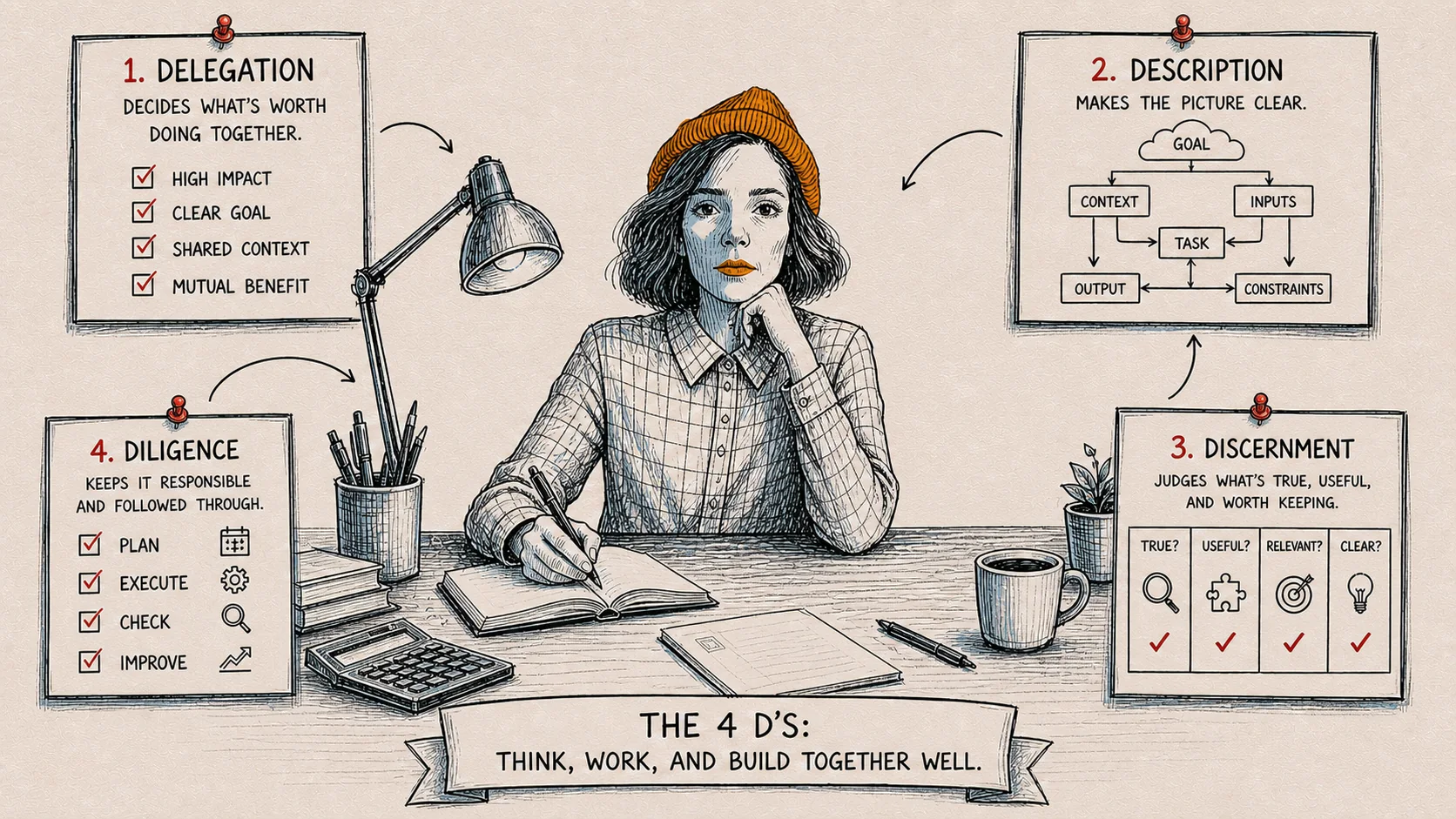

The ingredients
The editor
Where you work · Free
An open code editor of your choice - these are usually free. It shows the files and lets you edit, search, and talk to your assistant in normal language. Nothing magical: the workshop bench.
The assistant
The intelligence · ~$20/mo
An AI assistant that reads your folder, follows your written instructions, edits files, and runs scripts on your behalf. Use a paid version - that is what keeps the work fully secure.
Your filesystem
What you already own
Plain folders, plain files, on the computer you already own. No cloud, no database, no proprietary format. The same disk you have been using for years - the thing that makes it yours.
Point all three at the same folder.
On the choice of assistant
We teach with Claude as the worked example, because it is the one most people arrive with. It is not a requirement. The same method works with Mistral, with OpenAI, or with open-weight models running entirely on your own machine, which is the right answer when the work cannot leave the building. You choose the assistant; we set it up with you in the first session.
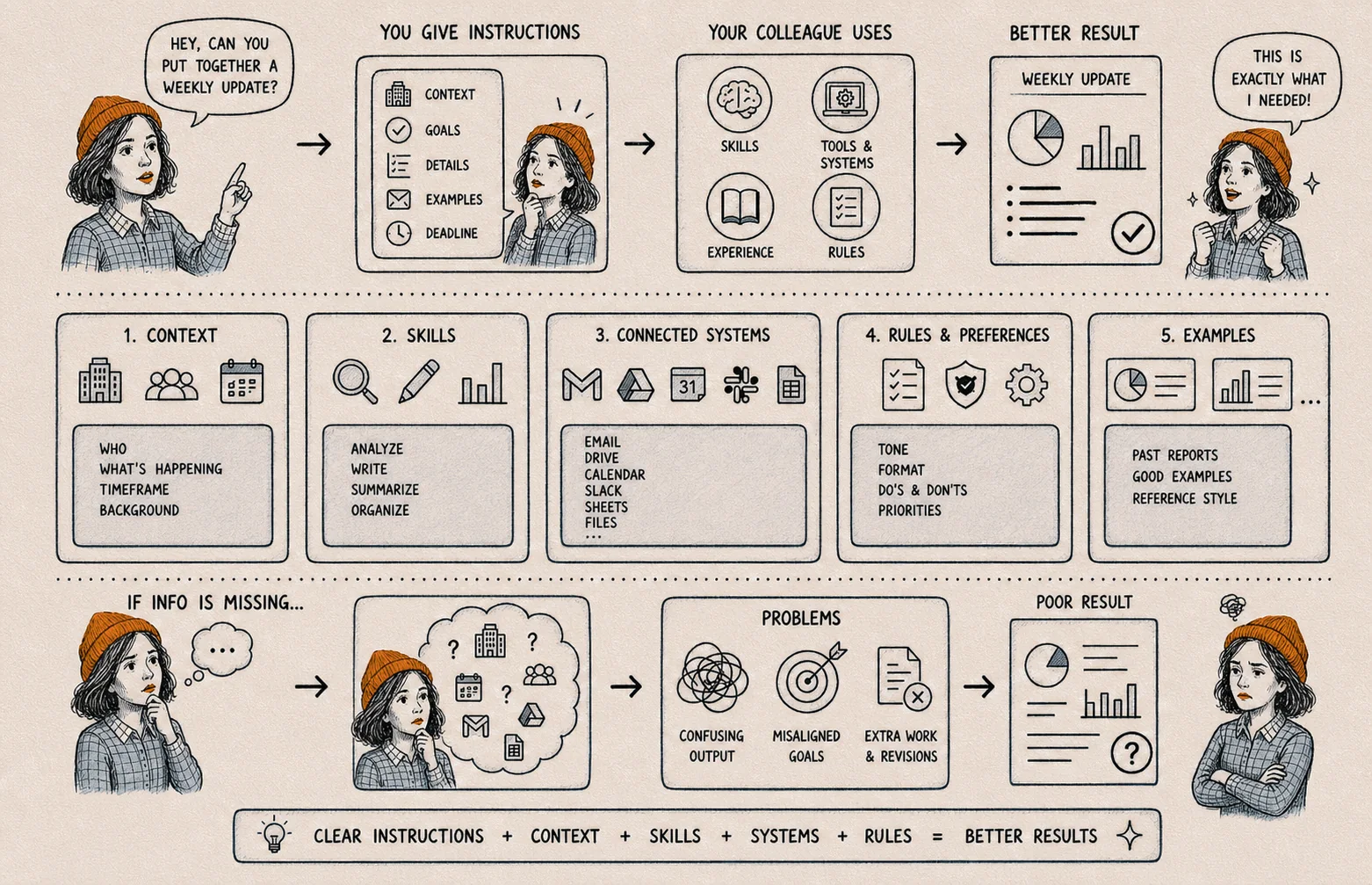
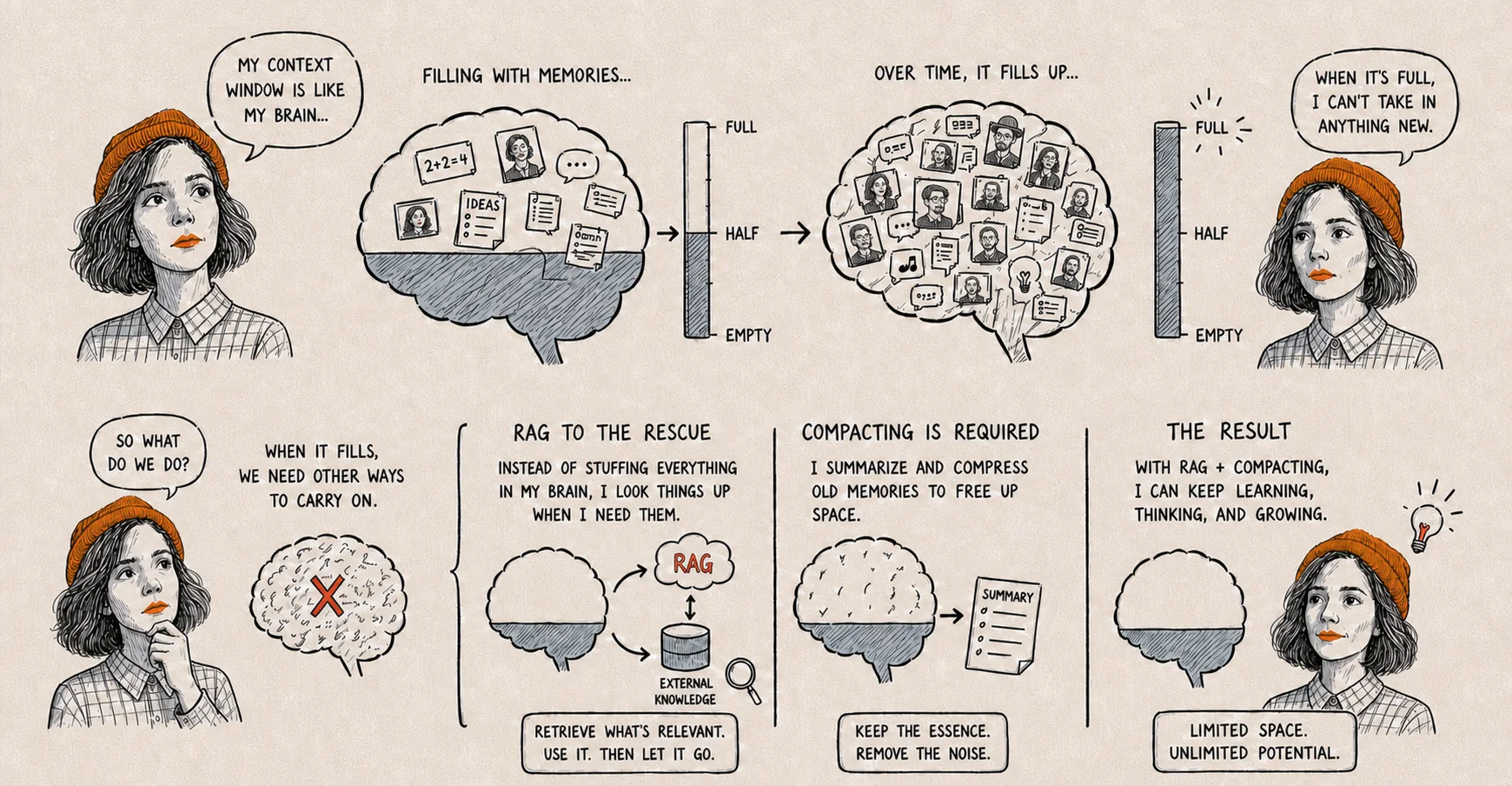

That's the method. The programme is where your team learns it, on your own work.
Book trainingThe output
A folder on disk.
Nothing here is exotic. What you leave with is four things in a directory, which you can read, edit, copy and back up with tools you already trust.
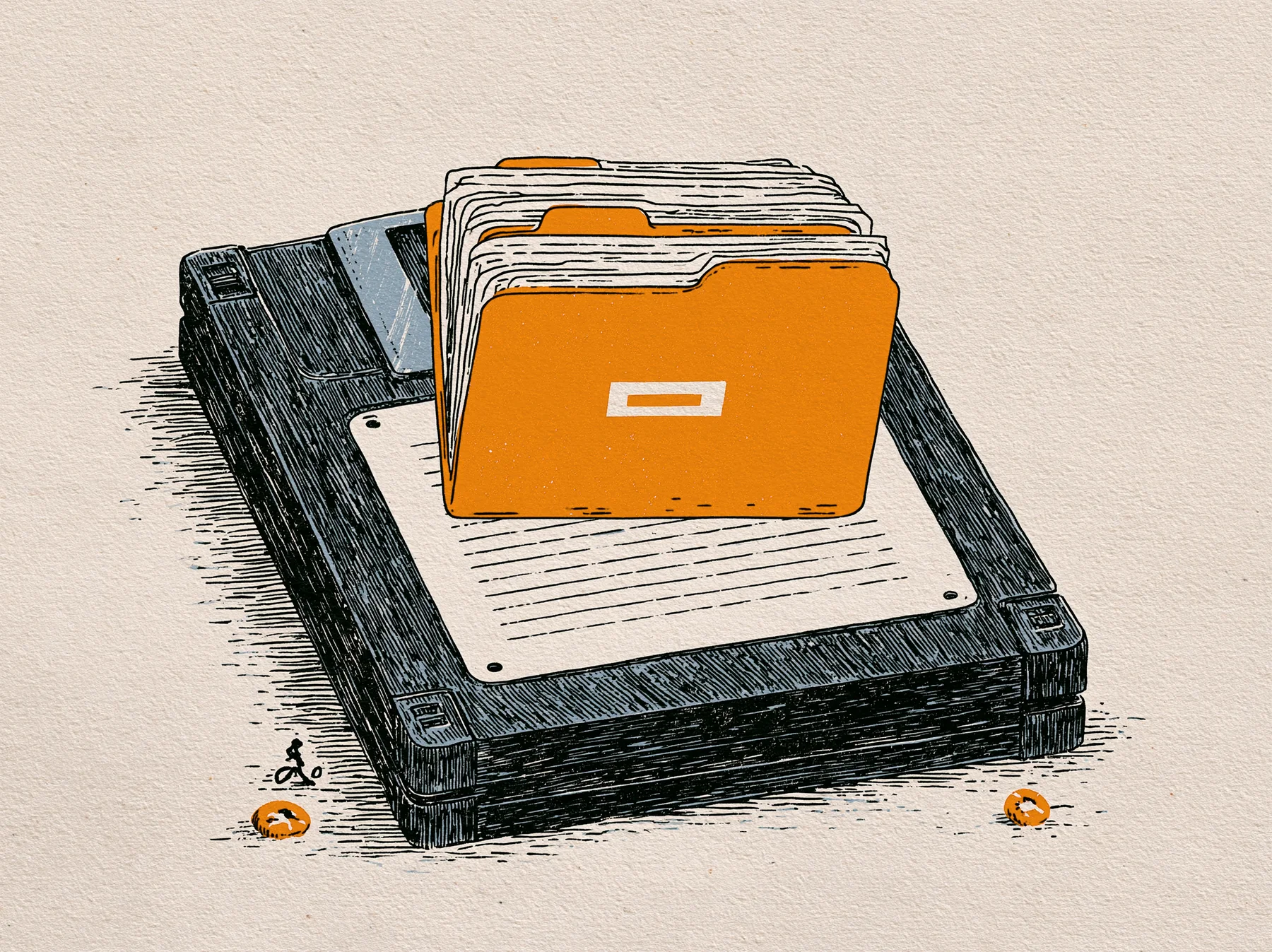
~/Praxis/folder/
SKILL.md
The instructions you'd give a new hire on day one, written once, in plain language. The assistant reads this every time and follows it. Change the file, change the behaviour.
run.py
A short script that does the actual work - pulls data, transforms a document, sends an email. The assistant writes it with you and runs it for you.
documents/
Whatever the work needs to process: PDFs, spreadsheets, transcripts, contracts. Drop files in, pull files out. There is no upload step.
Version control, optional
Because it's a folder, the standard tools just work: git, Time Machine, Dropbox, a USB stick. There is nothing special to back up.
What it costs
Two ways in. Both start with a free 15-minute call.
Free sessions
Free
Webinars we run from time to time: getting started, skills, connectors and projects. General rather than built around your use case. Worth less to some people, and a good first look for others.
The AI-Fluent Team
€4,500€2,000
Eight 90-minute sessions, you and up to four of your team. Your AI-use charter, a scorecard per role, standing briefs for your top three jobs and a check before anything ships. Built on your own work.
The Solo Fast Track
€2,000€1,000
Four 90-minute sessions, private and one to one. The same artefacts, scoped to you. Credited in full if your team follows.
The Fast Track, in a group of four
€500
Per person. The same four sessions, with three people who have a similar background. You choose a time and a deposit holds your seat.See the peer groups
Back-to-work price until 30 November.
The first step is a free 15-minute call. Both programmes are invoiced, ex VAT.
A code editor is free. A paid AI assistant subscription is about $20 a month. That is the only recurring cost, and it is not paid to us.
Before we start
Send your own work first
It runs on your work, not a demo. Before we start, send the jobs you keep repeating (the quote you rewrite every week, the report nobody wants to do) and we build on those. The group evenings use generic examples. This doesn't.
Please set up in advance
The work runs on your computer. Have your AI assistant installed with a paid subscription before session one, and ideally a code editor. We'll send you exactly what to set up.
Applied AI Evenings: the group version
The same four sessions online every month (the first free) and an evening in the Lot every fortnight. In a group, on generic examples, and pitched higher: applying rather than building. The one to one on this page is the tailored version.
The eight-session programme
The AI-Fluent Team in eight sessions, or The Solo Fast Track in four private ones. What's in the stack, the guarantee, and the back-to-work price.
On the name
Praxis is the loop of putting theory into practice, then letting what you learn from doing it sharpen the theory.
Praxis means knowledge proven by doing. It comes from the Greek prâxis: action whose purpose lies in the action itself. Aristotle separated it from theoria (contemplation) and poiesis (making, which produces an object outside itself). Modern usage, after Freire, treats it as the loop of theory, action, reflection, sharper theory.
Which job do you keep repeating?
The programme page has the eight sessions, what you leave with, the guarantee and the back-to-work price.